
Your projects. Your agents.
One workspace.
A development workspace that keeps track of your environments, agents, code changes, GitHub issues, versions, and deployments — across every project you’re building, from any device.
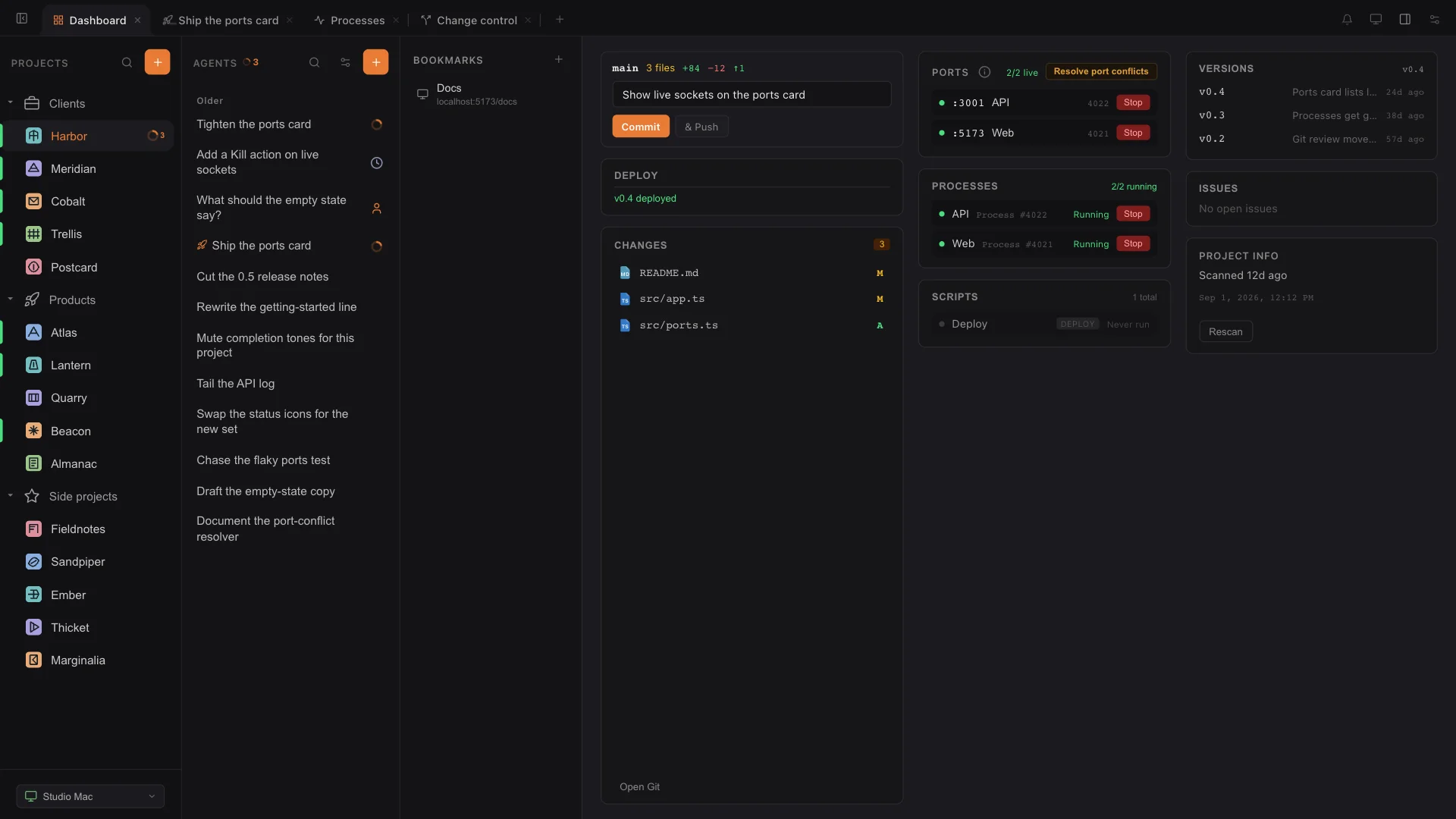
More building. Less jumping between tools.
Direct the work. Stay in context.
Queue follow-ups, fork a conversation, and choose how Claude Code or Codex approaches the next task.
ExploreKeep GitHub beside the work
Review changes, manage issues and pull requests, inspect CI, and run deployment scripts without losing your place.
ExploreGive repeat work to a Loop
Continue a plan after each run, check logs hourly, or ask for a weekday progress report.
ExploreRun your development environment
Start, stop, and restart servers and background jobs. Read their logs in the same window.
ExploreKnow what is running where
See which project owns each port, open its preview, and resolve clashes before they interrupt your work.
ExploreKnow what went into a release
Turn the work since your last release into a readable changelog for your team or clients.
ExploreDifferent device.
Same flow.
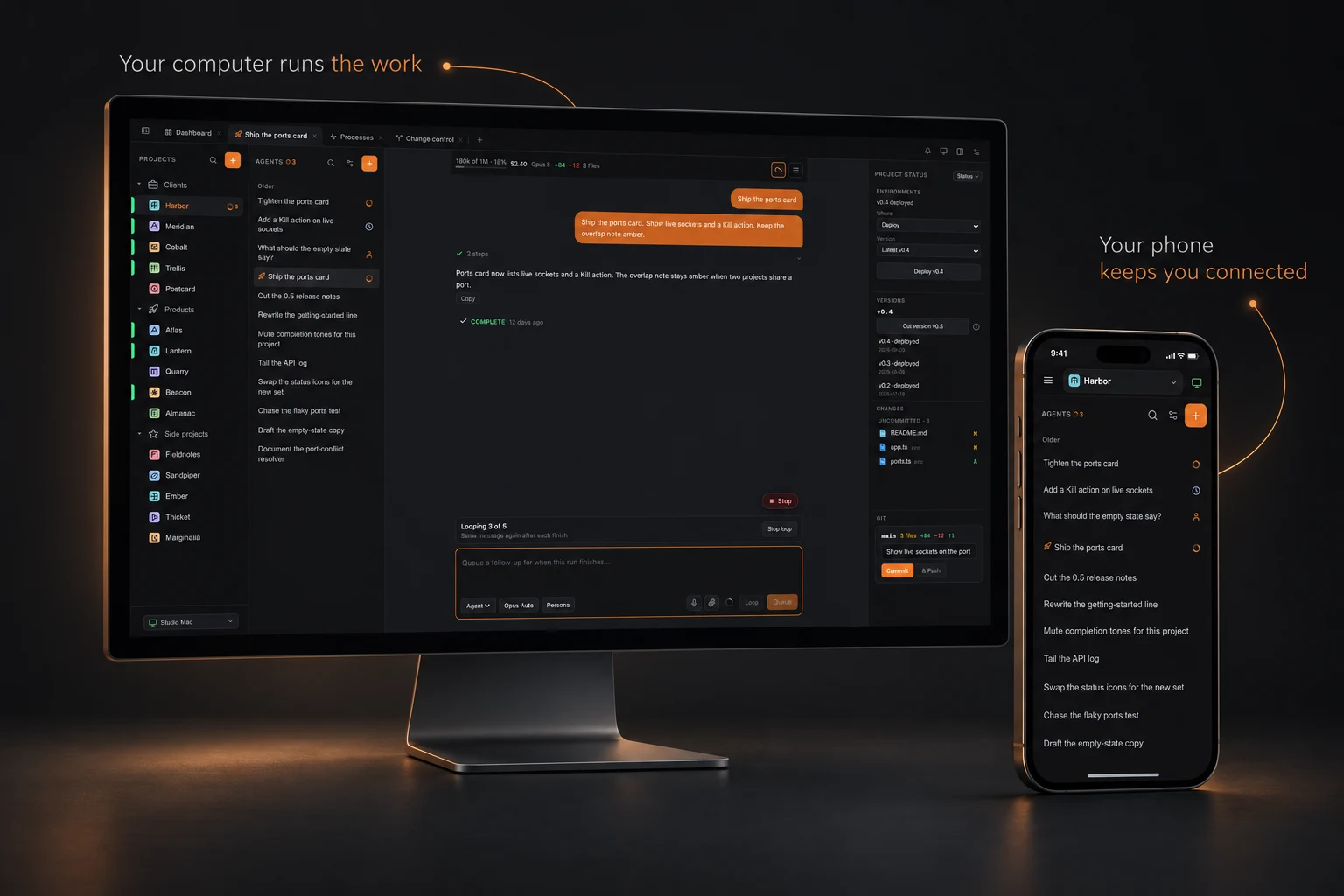
An agent finishes while you’re away from your desk. Open your phone, read the result, and give it the next task. Your conversations and settings stay in sync, while your code and tools stay on the connected computer.
Your next project starts here.
Install and sign in
Sign in through your browser. Nocturnal detects Claude Code or Codex already set up on your computer.
Get Nocturnal 02Bring a project
Import a folder or create something new. Sync its services, scripts, and project information.
Set up a project 03Build, review, and ship
Give an agent a task, review the changes, and use your project’s checks and deployment workflow.
Follow the workflowBefore you get started
How much does Nocturnal cost?
Your first month is free, with no credit card required. After that, Nocturnal is $5 USD per user per month. The subscription includes the connected workspace, cloud sync, and collaboration for general usage. Higher-volume storage or usage may be offered under separate packages in future, with notice before applicable price changes.
What do I need to get started?
Install Nocturnal and create an account. Nocturnal detects Claude Code or OpenAI Codex already installed and signed in on your computer. Otherwise install a supported provider tool, then sign in with your provider or add an API key in Settings → Providers. A key alone does not install the provider tool. Connect your GitHub account to use its issues, pull requests, and CI information. AI-provider costs are separate.
What follows me between devices?
Your account settings, personalities, and cloud conversations are available across your devices. Each computer keeps its own project list and workspace information backed by Firebase. Your phone can select a connected computer and continue the work there.
Which coding agents can I use?
Claude Code and OpenAI Codex are supported. Choose an available model, switch between Ask, Plan, and Agent modes, and adjust effort where supported. Nocturnal uses the provider tools and access on your computer.